 Firebase Ios Setup:
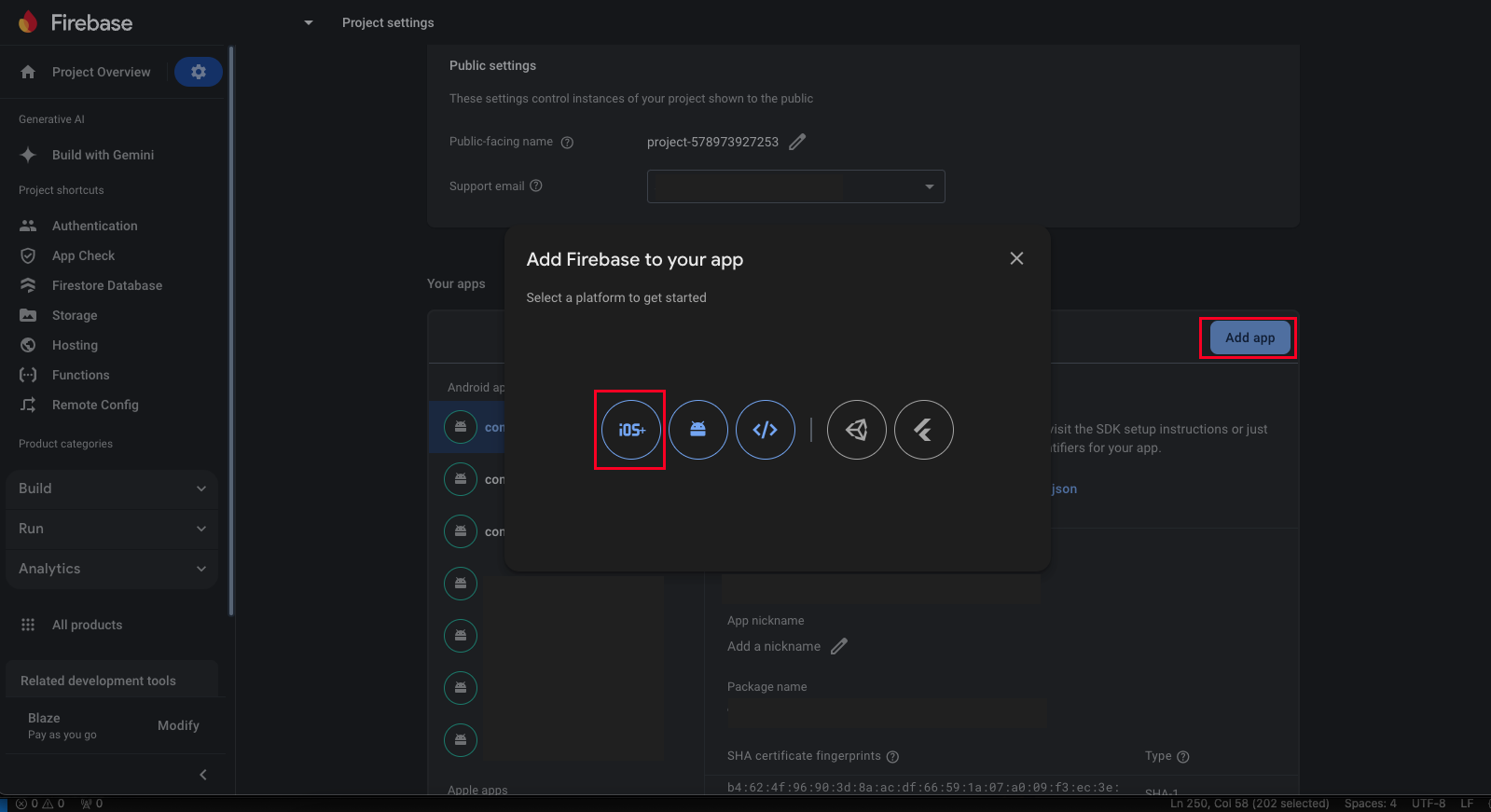
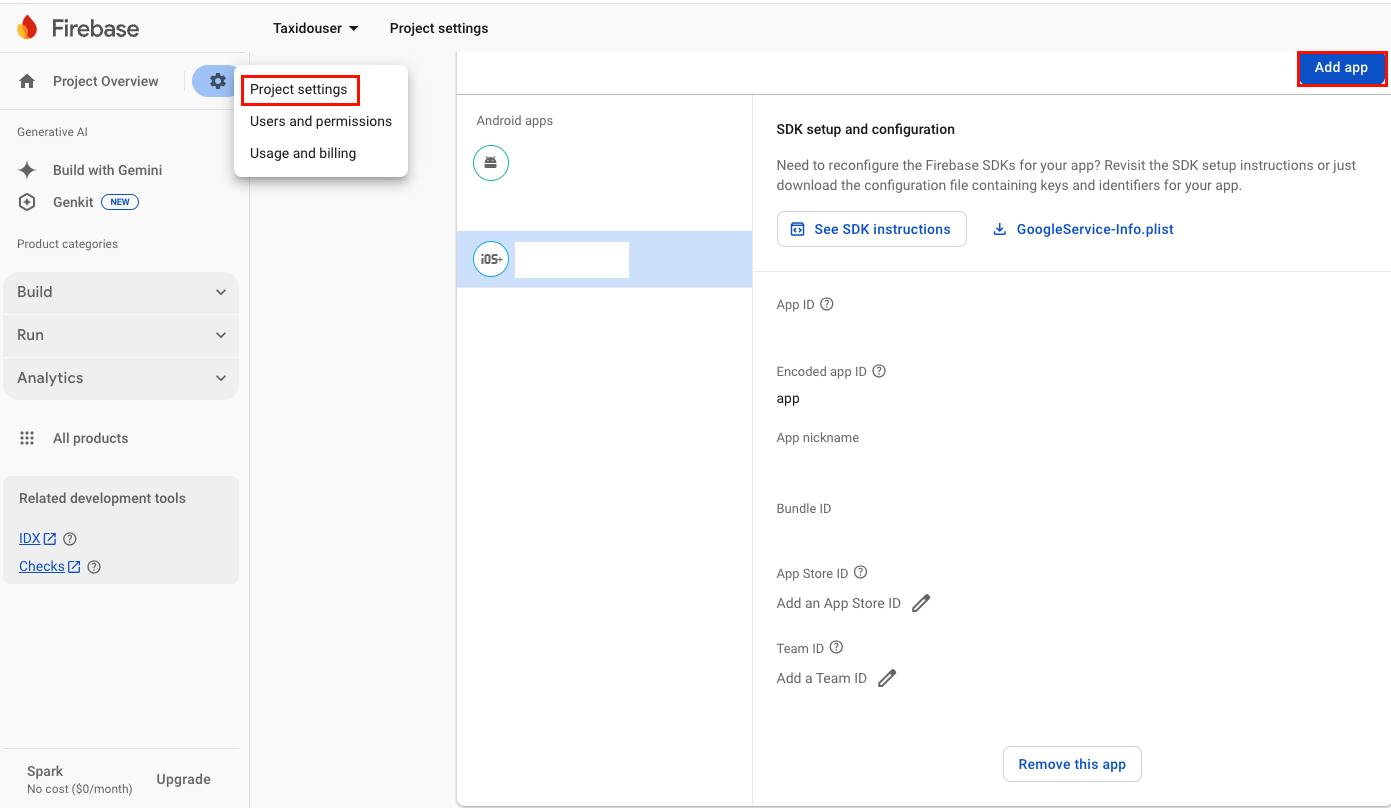
- Access your Firebase project and navigate to Firebase Dashboard > Project Settings. Scroll down the page and select the Add App button.
- Select the iOS option and register your app.
thoroughly.
- Ensure that all steps are completed.
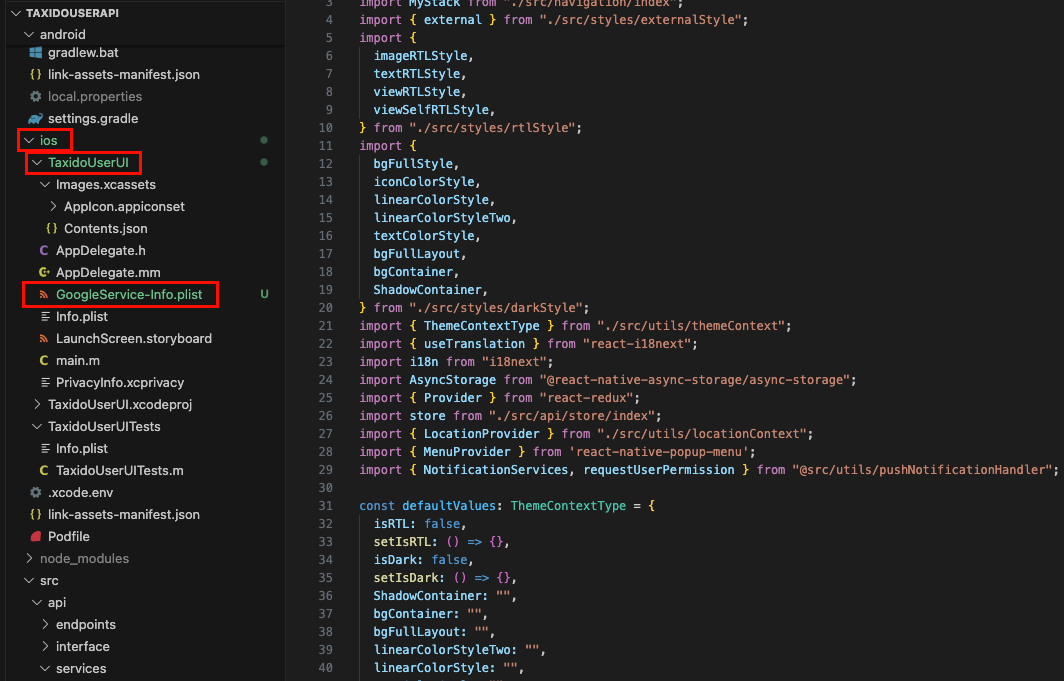
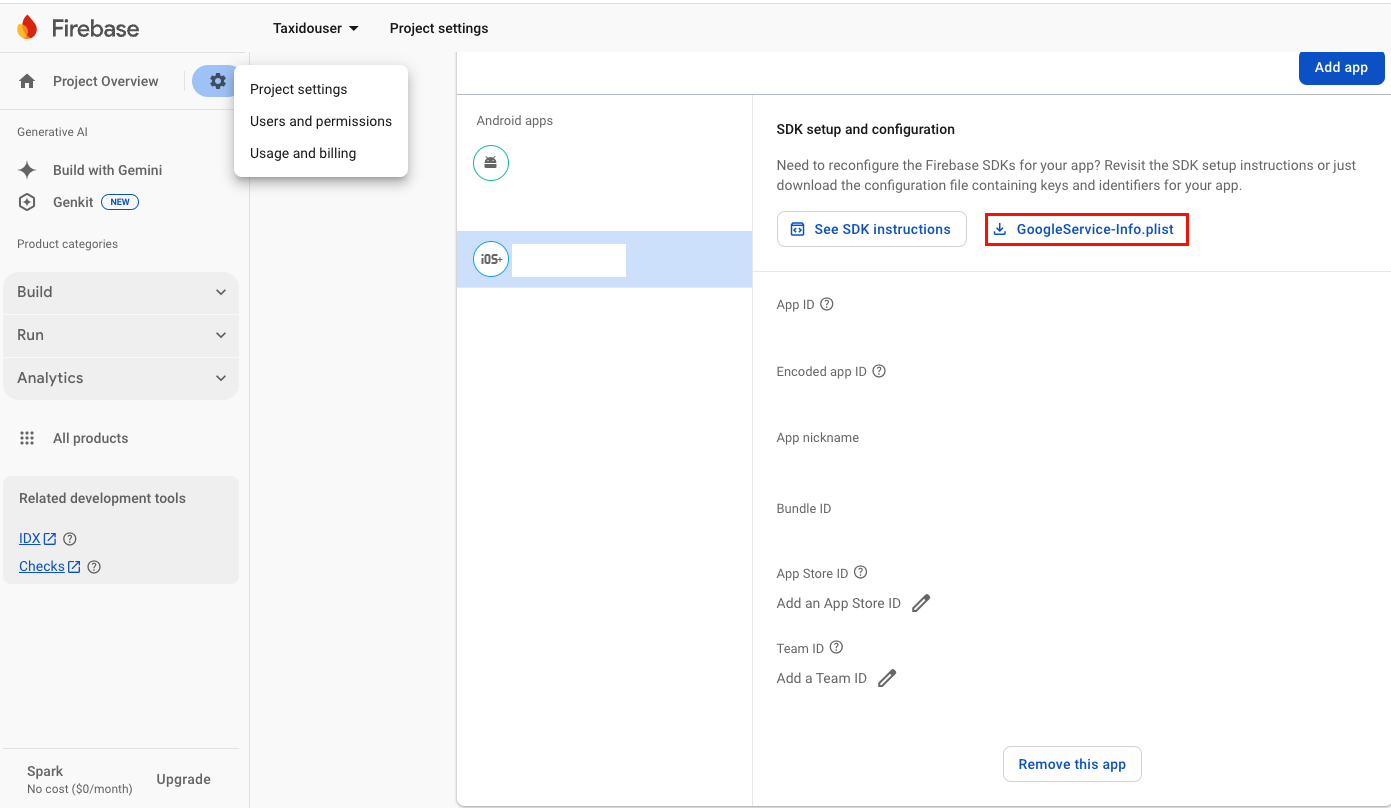
- Download the "GoogleService-Info.plist" file.
- And Place it in ios > Runner directory of your project.
- Navigate to Firebase Dashboard > Project Settings > Select your iOS User APP > Copy the “Encoded App ID” value and
<key>CFBundleURLSchemes</key>
<array>
<string>PASTE ENCODED APP ID HERE</string>
</array>